Jump straight to a free, copy-paste SOP template by department: Sales · Marketing · HR · Accounting · Operations · Management.
Want the bigger picture? Every systemHUB account starts pre-loaded with 130+ templates and dedicated packs for 10 industries. See the full template library → Can’t find the one you need? Draft it in minutes with the free AI SOP generator → Or browse all our free AI tools.
You’re working 60-hour weeks. Every question in the business still comes to you.
Here’s the thing: you don’t need to invent every process from scratch. Most of what makes your business run well already lives in your head, or in your best people’s heads. It just needs to be written down.
That’s what a standard operating procedure (SOP) does. It takes something one person knows how to do and turns it into something anyone on your team can do, the same way, every time.
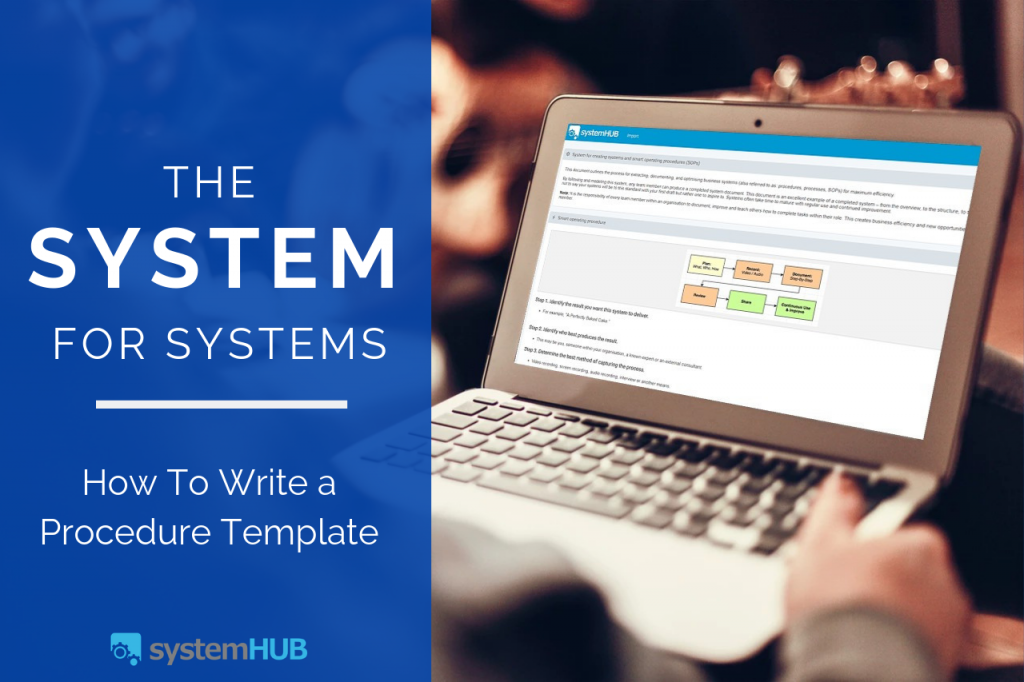
Below you’ll find real, copy-paste SOP templates across six departments, plus the exact system we use to help business owners build their own from scratch: the System for Creating Systems.
SOP templates by industry
Free systems for your industry, each mapped with an expert in that field. Open any of them, no login needed.
Not sure where to start?
Take the free 2-minute System Strength Test to see how systemized your business really is.
This is the point where most entrepreneurs get stuck. But I can assure you now that if nothing changes, and you don’t make a move creating systems—in 12 months’ time, you’re going to be in the same position you’re in right now—stuck.
How can I be so sure? Because I was stuck, where you are right now, for the first 10 years of my business career.
So what changed me? One of my business mentors asked me, “Why don’t you just hire an expert systems consultant to create the systems for you?”
My first reaction was “I don’t have the money to hire a consultant to do that sort of work…” At that stage, I didn’t have a multi-million dollar business like my mentor, so I didn’t go out and hire a consultant.
But, that question from my mentor did in fact set off a chain reaction in my brain. I started to question whether or not I should be the one creating systems and after some deep soul searching, it became clear that I was not. My job is to spearhead new business and drive innovation.
So, let me liberate you by saying…
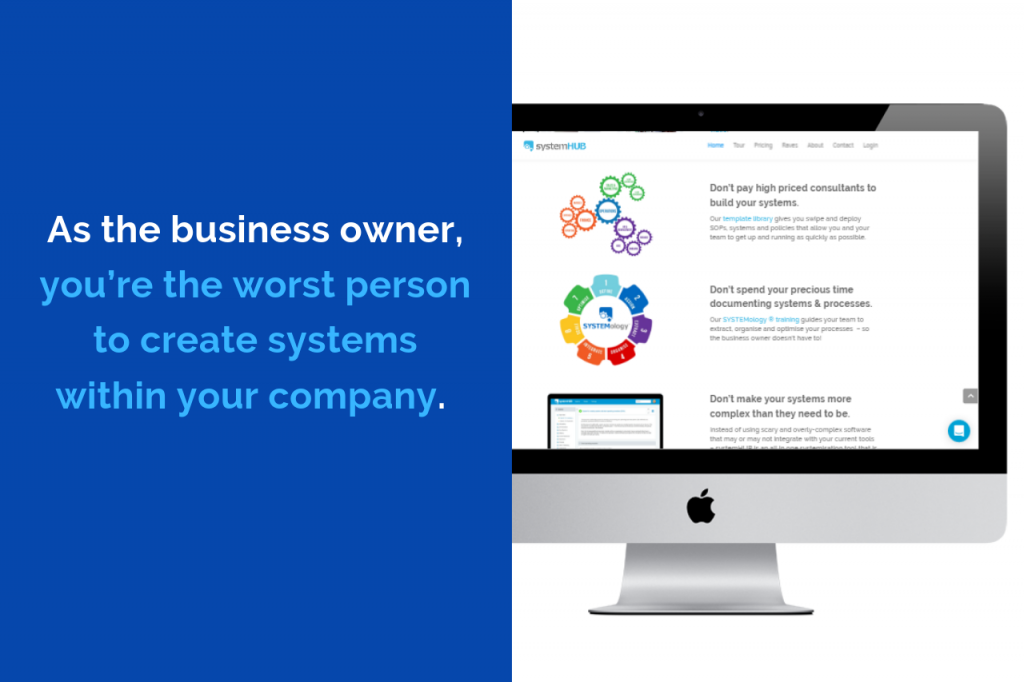
And the best news is, you don’t have to create the systems yourself. —I’m going to give you the system that enables your team, and the people you work with, to do it for you.
Introducing the System for Creating Systems. Following this template any team member can document, organise and optimize how they did things—this system completely takes you out of the loop! This system, coupled with a few smart team members, will set off a chain reaction in your business like knocking down the first domino in a series.
Using the System for Creating Systems, any team member can document, organise and optimize how they did things—this system completely takes you out of the loop! This system, coupled with a few smart team members, will set off a chain reaction in your business like knocking down the first domino in a series.
The System For Creating Systems Template – 11 Steps To Creating A Business System
- Identify the result you want this system to deliver.
- Identify who best produces the result.
- Determine the best method of capturing the process.
- Record the task being completed.
- Upload the file for easy sharing.
- Create a new system in systemHUB.
- Create step-by-step documentation.
- Review the draft system on the next use.
- Submit for review and discussion.
- Teach this system to another team member.
- Use every time the task is to be completed.
1. Identify the result you want this system to deliver.
- What is the final product?
- What outcome do you want this to produce?
- Is it something like a “Perfectly Baked Cake”?
2. Identify who best produces the result.
- This may be you, someone within your organisation, a known expert or an external consultant.
3. Determine the best method of capturing the process.
- You can do this through a lot of means such as video recording, screen recording, audio recording, interview, and others.
- The aim here is to make the capturing of steps easy for the person sharing their knowledge. The ideal method to capture a task is by video recording as it’s being done. This way the person doing the task can simply talk through what they’re doing and why – and their actions are visible to the person learning.

4. Record the task being completed.
- If it’s required, organise a suitable time to record the process, and don’t heavily script or plan the shoot and continue shooting even if mistakes are made. In fact, it’s best to keep recording and explain mistakes if/when they happen and what was done to fix them.
5. Upload the file for easy sharing.
- If you recorded a video, upload it to your private video service (e.g. Wistia, Vimeo, Viddler, Private YouTube video, Dropbox, AmazonS3, etc.)
- If you captured the process by some other means (audio interview, etc.), upload it to a file storage/sharing service (e.g. Dropbox)
Ready to systemize your business?
Get instant access to 100+ SOP templates across Sales, Marketing, HR, Finance & Operations. Hiring soon? Pair them with the complete guide to employee onboarding.
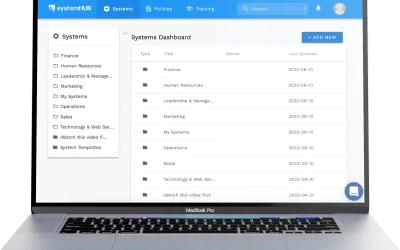
6. Create a new system in systemHUB.
- Identify the best location for the system. You can create folders based on business departments (Sales, Finance, Operations, etc.) and subfolders as needed.
- And don’t forget to keep the system names clear, concise and ensure they contain keywords that team members would use when looking to locate it. Add an overview that covers: what the system is about and what results/deliverables are achieved from following the system.
- If applicable, post the link to the video of the task being completed in the videos section and the link to any other files used in capturing the process in the “Supporting Notes” section.
- Assign the system’s primary owner (the person who is taking ownership of the system) and secondary owner (usually a ‘backup’ person for the task). If ownership isn’t obvious yet, an accountability chart makes it so.
- Then you can assign any additional team members who should be able to view/assist in the system’s development.
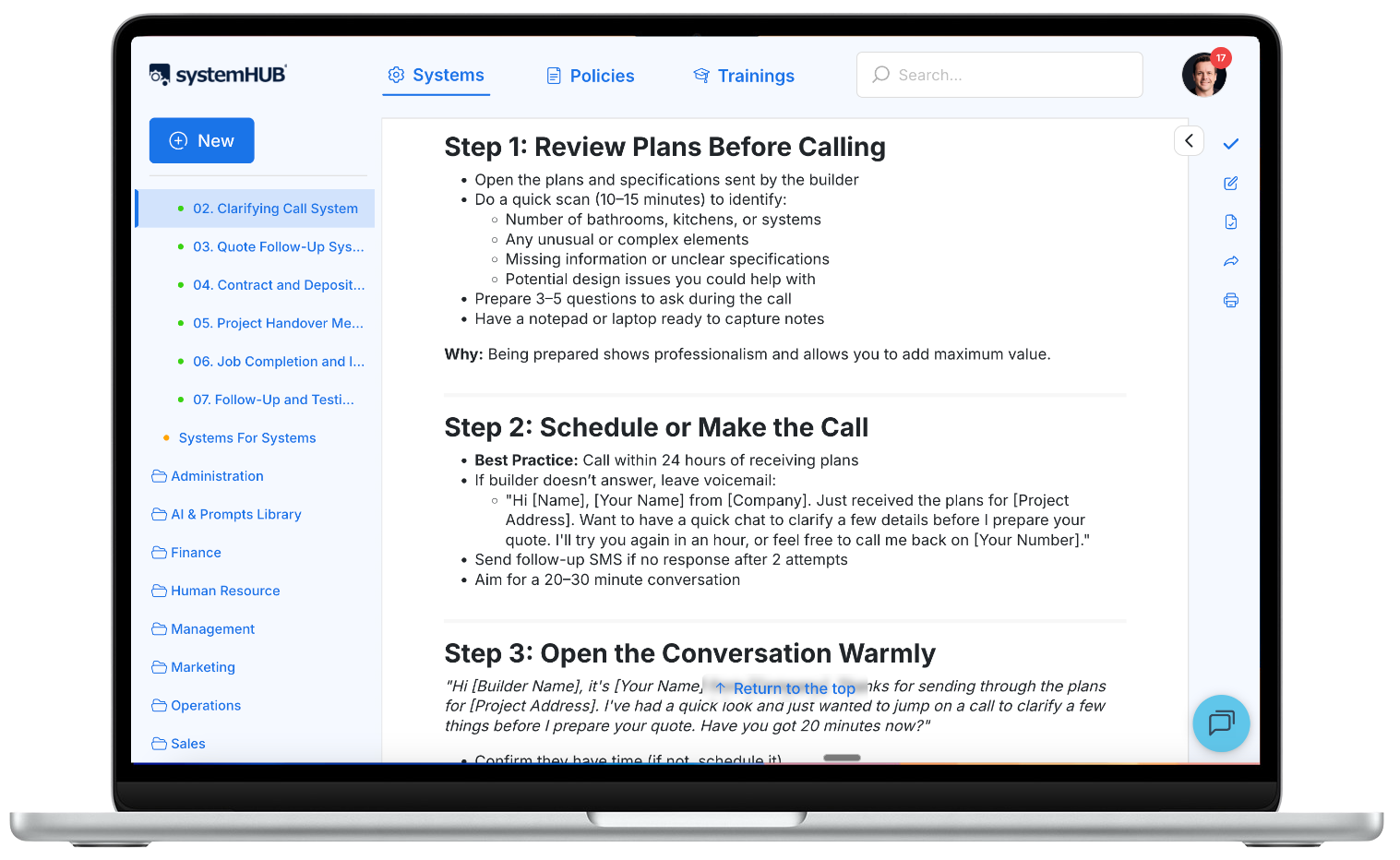
Change the status of the new system to reflect the stage it’s in:
- Grey – New system, nothing was done. You may be just ‘dumping’ data in a system with this status but haven’t looked at organising anything in it yet.
- Yellow – Under construction. You have started working on the data in the system, but it’s not at a point where others can use it yet.
- Green – Ready to be used. The system is completed enough to the point that others can reference it and get to the end result by following the steps.
- Red – Do not use. The system may be obsolete, incorrect or inaccurate, so you don’t want others to use it. But it may have some value in it still so you don’t want to delete it altogether.
Notify the new system’s owner (if not you) that the system is ready for review.
7. Create step-by-step documentation.
- The new primary owner of the system (which may be you) should either complete or delegate this step. That person should also watch the video recording (or reference the link/s supplied in the Supporting Notes section) and note down the steps in a linear fashion. E.g. Step 1. Do this. Step 2. Do that.
- Save those directly into the “Smart Operating Procedure” section. Include additional sub-bullet points for further details and clarification commentsOnce done, a reader should be able to get a good overview by simply reading the numbered steps – bulleted items simply provide extra detail for someone new to the task. All steps should be clear enough to allow anyone with a basic understanding of the subject to complete the system.
- Ensure that the formatting of the text is uniform. Each step should have its own number and each number should have bullets only relating to that step. Also, ensure email templates and/or any documents mentioned in the system are attached to the relevant spot in either the “email templates” and/or “attachments” sections. Add any additional useful information which doesn’t need to be added to the SOP itself (sort of like a ‘footnote’ in a book) in the “Supporting Notes” section at the bottom of the system.
8. Review the draft system on the next use.
- Review the system on the next iteration of the task.
- It’s best to review the entire system from top to bottom with fresh eyes, and as you work through the task using the system, add any missed steps and/or make improvements where necessary.
9. Submit for review and discussion.
- Once satisfied, the system is ready for review by the supervisor and/or to be discussed at a team meeting. System owners are responsible for having their systems reviewed and approved.
- Reviewers can add comments to a system with suggested changes. The system gets tweaked based on additional feedback.
- The system owner then makes adjustments and replies to comments regarding any changes. Once done, the system’s status is set to green – indicating it’s now ready to use. You can also notify assigned users that the system is now ready for use.
 Ready to move them off a shared drive? Here is what SOP software does and what it costs.
10. Teach this system to another team member.
- Ideally, it’s best for the system owner to teach their SOP to someone who hasn’t previously done it before. During this process, areas of confusion, issues, and missed points can easily be spotted and fixed.
- This is best taught in 3 steps – 1. Show the task being completed 2. Do the task together 3. Allow the task to be completed by the team member and review and give feedback. Continue step 3 until the team member completes the task successfully without feedback required.
11. Use every time the task is to be completed.
- When a new team member needs to complete the task, they’re assigned access to view the system. The system is then improved and tweaked at each opportunity, making it as simple/efficient as possible.
- Unless you are a system owner or secondary owner, suggested changes should be made as a comment on the system itself – to be then reviewed and approved by the system owner.
A word of caution: there’s more to making systems work in your business than just having a collection of word documents floating around for your team to use. If you’re writing your first one, start with the five essentials every SOP needs. Although that’s a start, it’s not effective.
To take this one step further, discover and overcome The 7 Myths Of Business Systemisation – click here to get started.
Free SOP Templates by Department
Sales SOP Templates
Qualifying a New Sales Lead
Trigger: A new lead books a call or submits an enquiry form.
- Confirm the lead matches your ideal customer profile (budget, industry, timeline).
- Pull any existing history on them from your CRM.
- Send a confirmation email outlining what to expect on the call.
- Prepare 2–3 questions specific to their industry or stated problem.
- Log the qualification outcome in your CRM before the call starts.
Endpoint: The lead is marked Qualified or Disqualified in your CRM, with a reason recorded.
Running a Sales Call
Trigger: A qualified lead is on the calendar for a call.
- Open by restating what you understand about their situation.
- Ask what’s driving the timing – why now, and not six months ago.
- Walk through your offer only after you’ve confirmed the fit.
- Address the two or three objections you hear most often.
- End with a clear next step and a date. Never “I’ll follow up.”
Endpoint: The prospect has a next step booked, or is marked Closed Lost with a reason.
Marketing SOP Templates
Publishing a Blog Post
Trigger: A blog topic is approved and assigned to a writer.
- Draft the post against the approved keyword and outline.
- Add internal links to at least three related pages.
- Write the meta title and description.
- Get a second pair of eyes to review for brand voice.
- Schedule the post and add it to the content calendar.
- Share it on your top two marketing channels within 48 hours.
Endpoint: The post is live, indexed, and logged in the content calendar with its publish date.
Human Resources SOP Templates
Onboarding a New Hire
Trigger: An offer is signed and a start date is confirmed.
- Send the welcome pack and Day 1 logistics one week before their start date.
- Set up their accounts, equipment and access the day before they start.
- Assign a buddy for their first two weeks.
- Walk them through their role’s core systems on Day 1.
- Check in at the end of week one, and again at 30 days.
Endpoint: The new hire has completed their 30-day check-in and is fully set up in every required system.
- How to Successfully Hire & Retain ‘A Players’ for Your Team
- 5 Steps to Performance-Based Terminations Without the Worry
- 12-step checklist for hiring employees
Accounting SOP Templates
- 6 Steps for Generating a Monthly Financial Scorecard
- 8 Steps for Generating a Monthly Budget with Xero
- 7-Step System to Managing Cash Flow for a Financially Strong Business
Operations SOP Templates
- A Step by Step Process for Managing the Administrative Side of a Website Build
- Simple 5-Step System to Deliver Outstanding Results for Your Clients
Management SOP Templates
- 6 Steps Towards Creating a Winning Management System
- Four Steps to Leadership Perfection
- 5 Strategies for Fantastic Leadership
Business Process Guides
What’s disorganization really costing your business?
Use our free calculator to find out — most owners are shocked by the number.
Frequently asked questions
What is an SOP template?
An SOP template is a pre-built structure for documenting a process: what triggers it, the steps involved, and how you know it’s done. Instead of starting from a blank page, you fill in the details specific to your business.
What’s the difference between a free SOP template and a paid one?
Free templates like the ones above give you a starting structure. Paid platforms like systemHUB add version control, team assignment, approval tracking and 130+ pre-built templates across 10 industries, so you’re not rebuilding the same structure every time.
How many SOP templates does my business actually need?
Fewer than you think. Start with the 7–12 steps in your Critical Client Flow, the core journey a client goes through with your business. Document those first before trying to cover everything else.
Can I edit these templates for my industry?
Yes. Every template above is a starting structure, not a finished document. Swap in your own tools, thresholds and terminology before you roll it out to your team.
What’s the fastest way to turn a template into a working SOP?
Fill in the Trigger and Endpoint first. Those two lines force clarity on where the process starts and how you know it’s finished. The steps in between get easier to write once those are locked in.
Do I need software to use these templates?
No. Copy any template above into a doc and start using it today. Software like systemHUB becomes useful once you’re tracking who’s completed what, assigning owners, and keeping every system in one place instead of scattered across docs.